|
SPICE Client - Debian
2013/05/06 |
|
Connect to virtual machine that is started with SPICE. This example uses Debian 7.0 for SPICE client.
|
|
| [1] | Install SPICE client. |
|
root@dlp:~# aptitude -y install spice-client spice-client-gtk
|
| [2] | Start X windows system and input command like follows to connect to virtual machine. |
|
wheezy@dlp:~$ spicec -h 10.0.0.30 -p 5930 -w password
# -h KVM Host machine's hostname or IP address# -p destination Port # -w SPICE password |
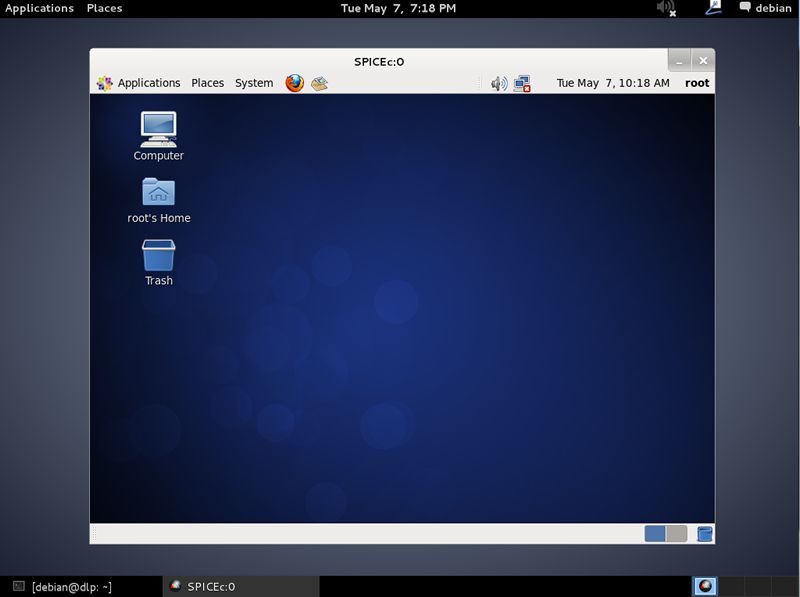
| [3] | Just connected. |
|
|
SPICE client - Windows
|
|
SPICE client for Windows is also provided, so it's possible to connect from Windows. This example uses Windows 7 (x64) for SPICE client.
|
|
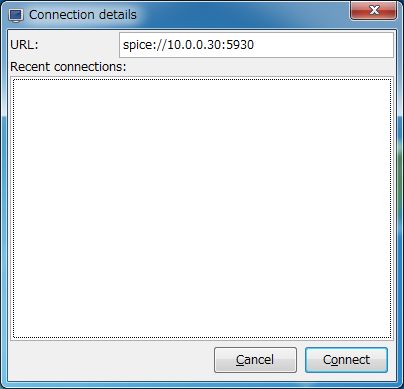
| [4] | Download Virt-Viewer Installer from the site below. ⇒ http://www.spice-space.org/download.html After installing and starting Virt-Viewer, following screen is shown. Input "spice://server name(IP address:Port" in the URL field and click "Connect" button. |
|
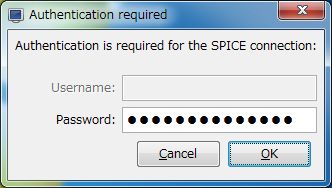
| [5] | SPICE password is required to input. |
|
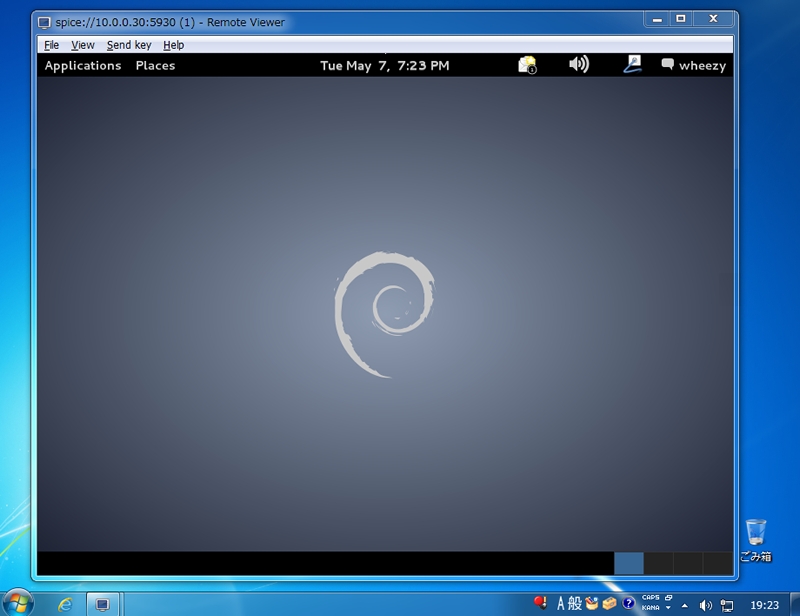
| [6] | Just connected. |
|